 Fenestration
 Local Builders
 Builders' Merchants
 Architects & Specifiers
 House Builders
 Main Contractors
 Lead Generation
 Direct Marketing
 Marketing Reports
 Salestracker CRM
 STEM Email Marketing
 Mobile CRM
 Software Features
 Market Overview
 FAQs
FAQs Downloads
 GDPR
GDPR Our History
 Company News
 Careers
 Book a Demo
 Contact Us
Back to news
Mobile Route Planner
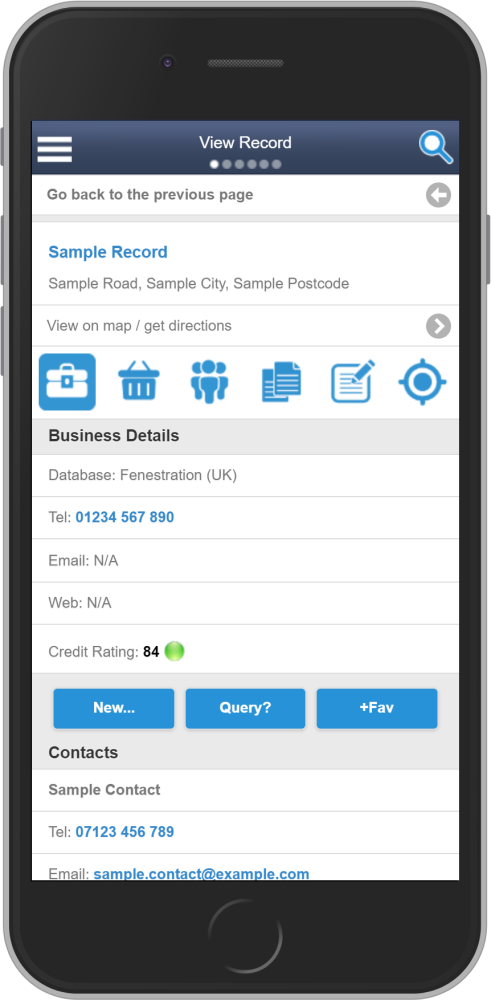
To plan a route you first need to go to view a record….
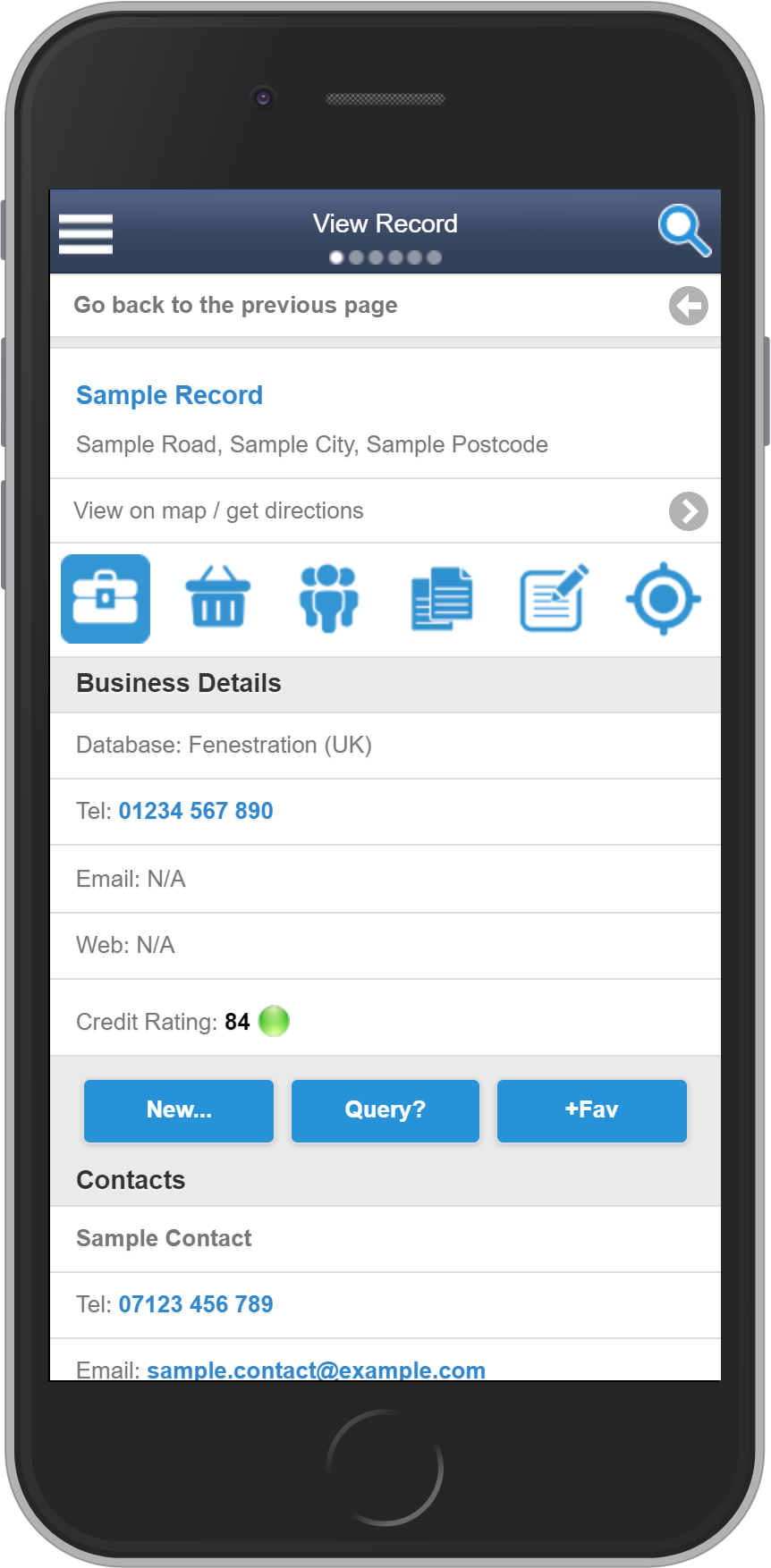
Under the company name and address you will see ‘View on map / get directions’. Tap here to plan the route FROM your current location TO the address of the selected company…
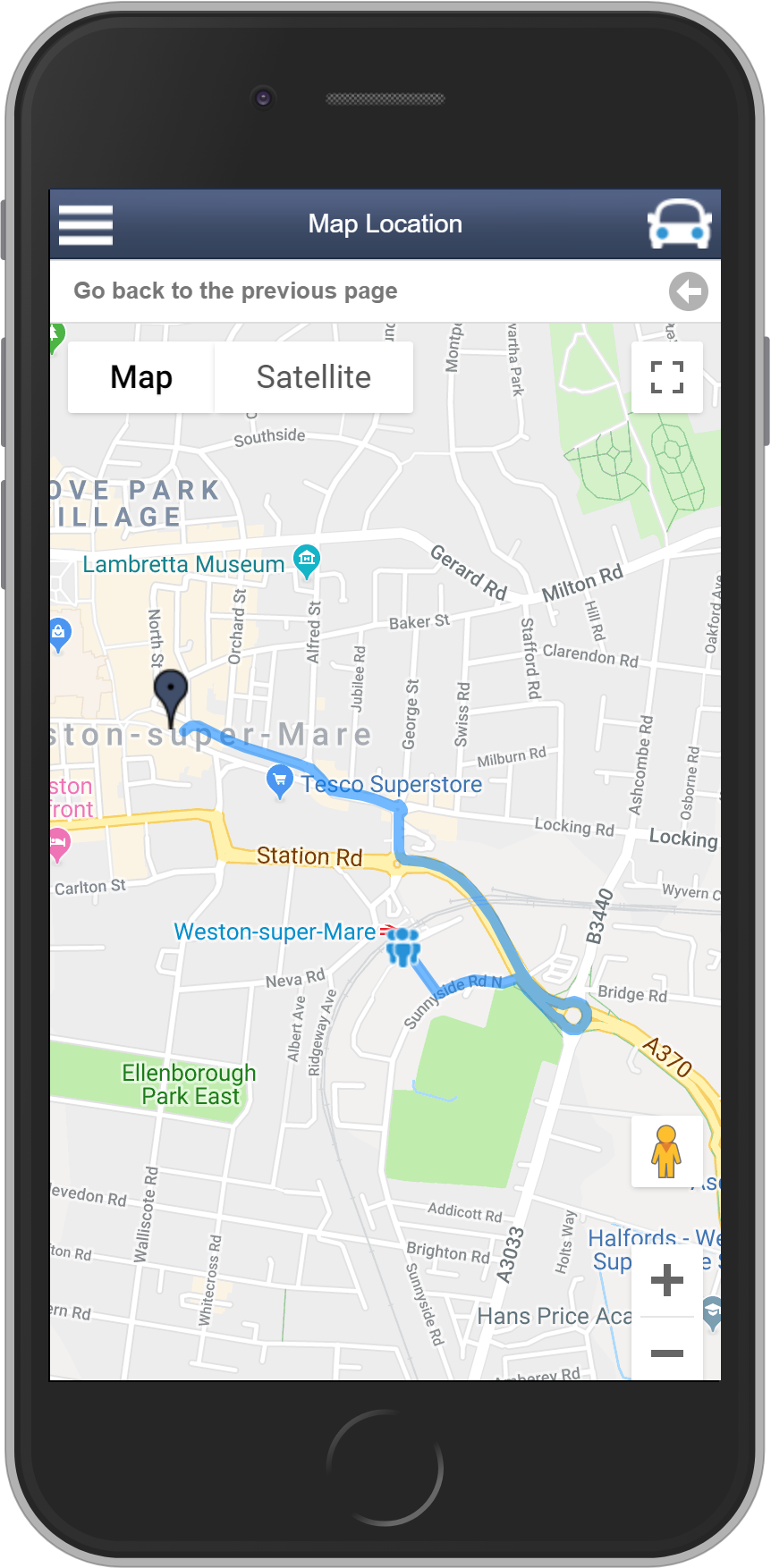
The dark blue marker on the map represents the starting point (current location) and the other marker is the destination. Make use of the + and – to zoom in / out respectively, as required. Tap on the car icon (top right) to get the directions…
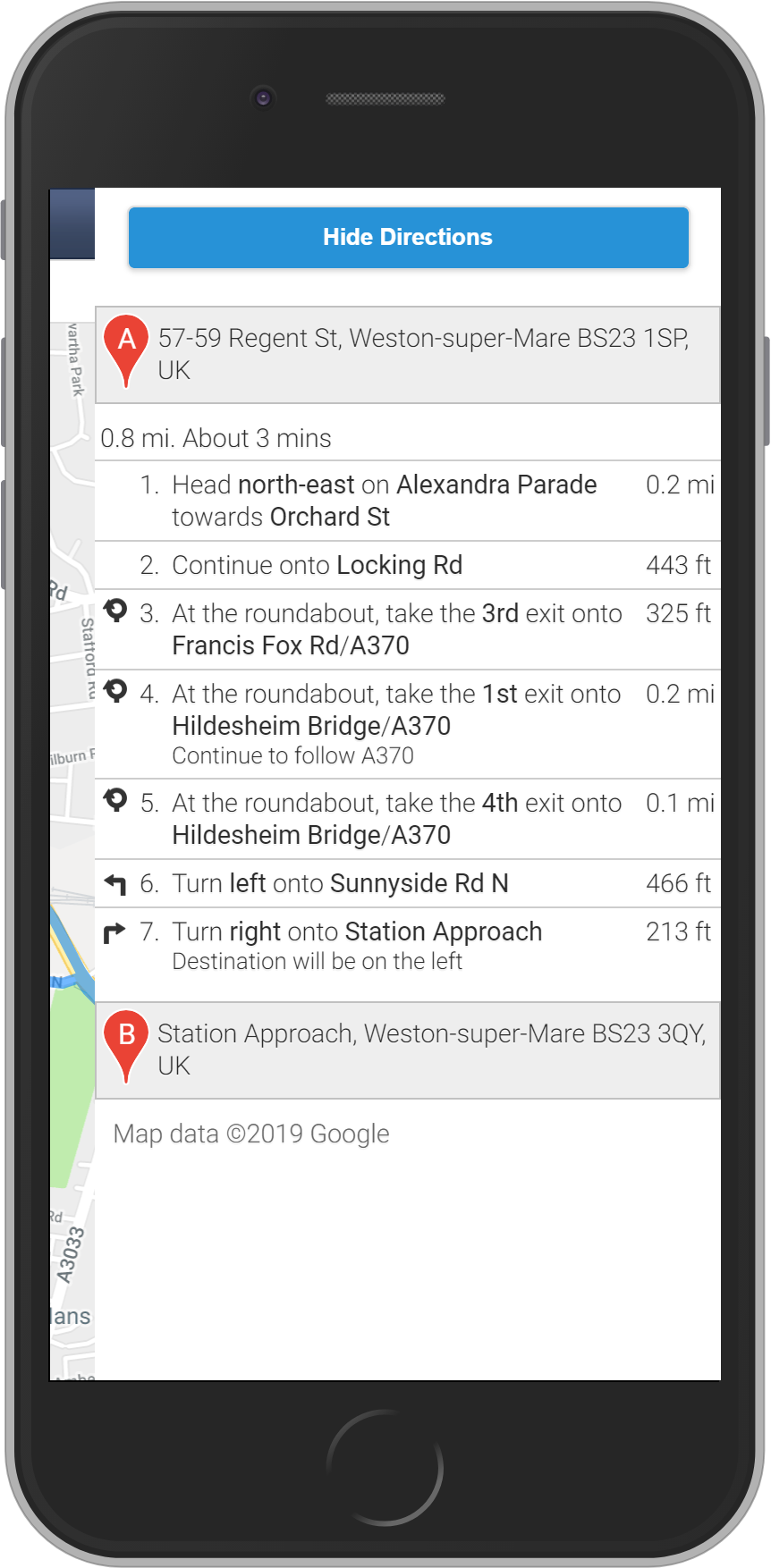
You can tap any of these directions to highlight them on the map. Alternatively, click ‘Hide Directions’ to go back to the map location.