 Fenestration
 Local Builders
 Builders' Merchants
 Architects & Specifiers
 House Builders
 Main Contractors
 Lead Generation
 Direct Marketing
 Marketing Reports
 Salestracker CRM
 STEM Email Marketing
 Mobile CRM
 Software Features
 Market Overview
 FAQs
FAQs Downloads
 GDPR
GDPR Our History
 Company News
 Careers
 Book a Demo
 Contact Us
Back to news
Logging Out of Salestracker: How and Why You Should Do It
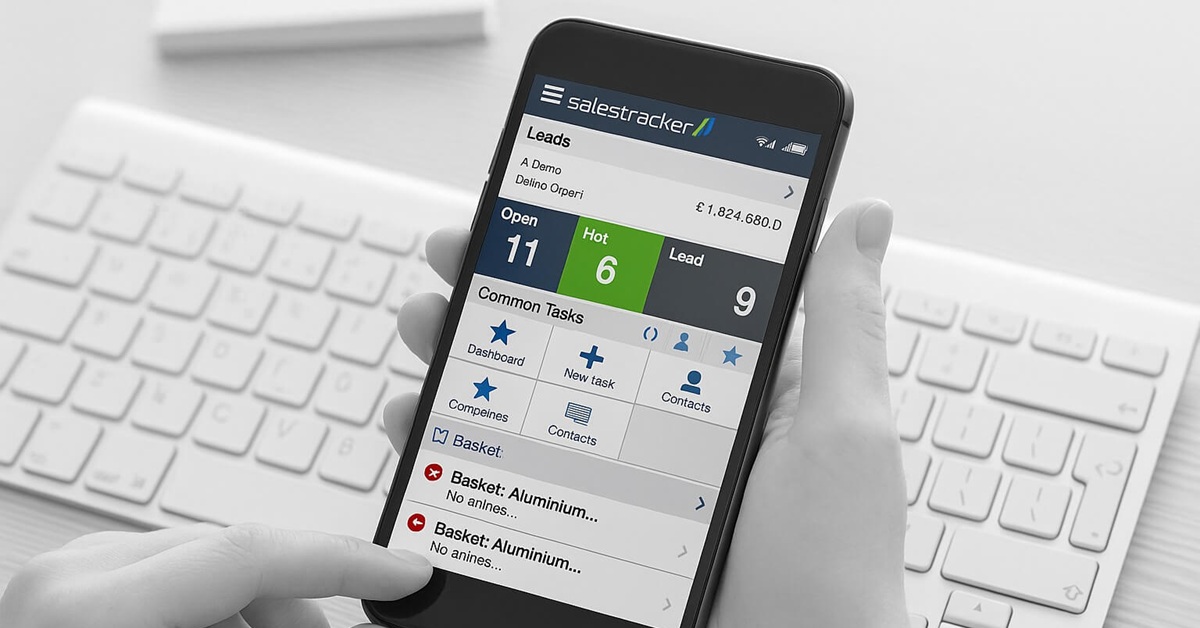
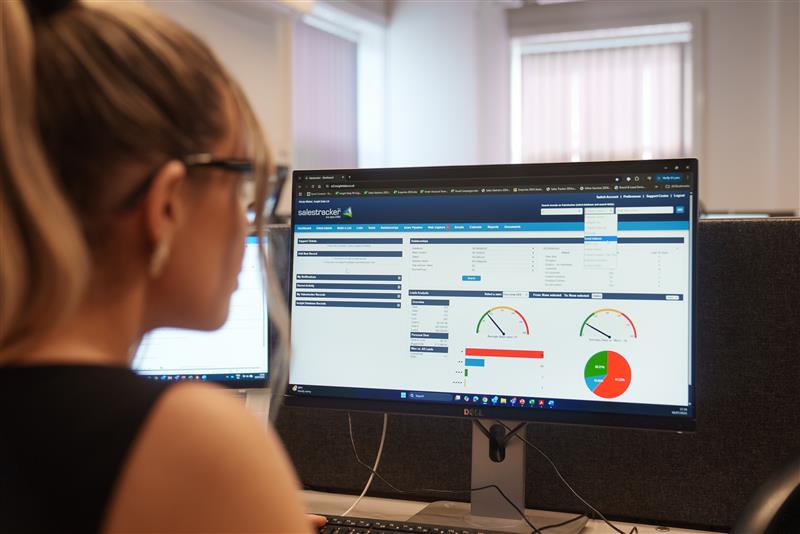
Logging out of Salestracker after each session is an important step to protect your data and prevent unauthorised access. Whether you’re working from the office or remotely, it’s good practice to end your session properly using the “Logout” button in the top-right corner of your dashboard.
Salestracker will also automatically log you out after extended inactivity, but manual logout is always recommended when stepping away from your device.
To learn more about secure CRM access or to explore the full benefits of our platform, contact us today. Call 01934 808293, email hello@insightdata.co.uk, or request Salestracker access online.